A clearer way to prepare for every shift.
Designed to help caregivers feel organized, ready and supported.
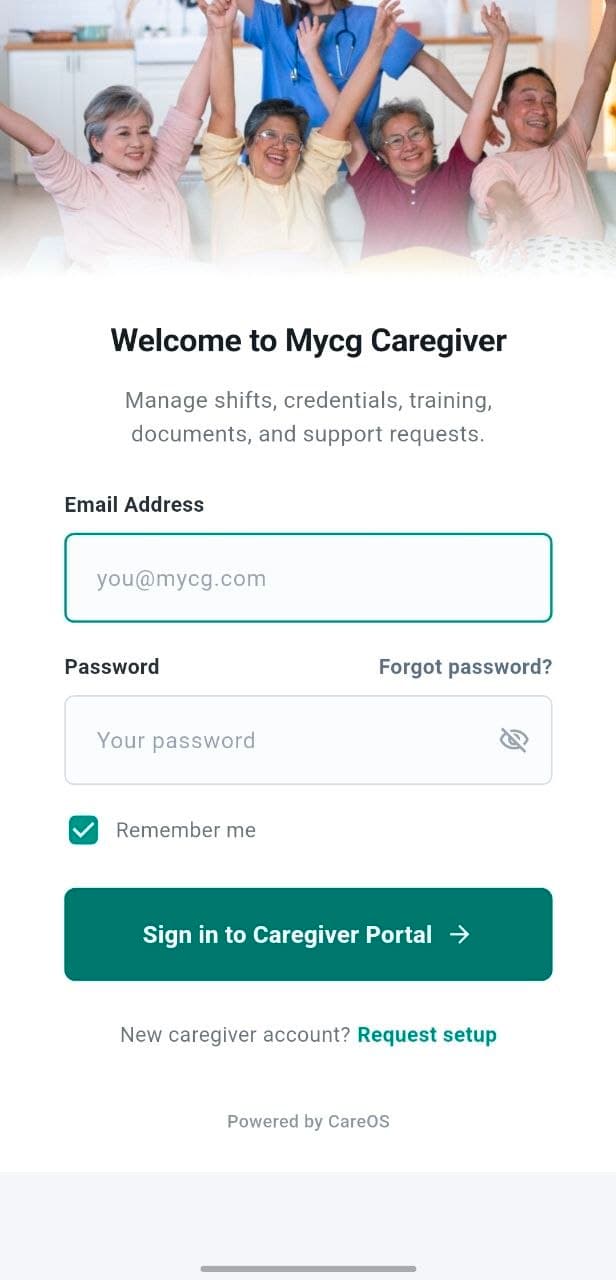
The MyCG Caregiver App gives approved caregivers a secure workspace for shifts, clients, schedules and care-team communication. Credentials, training, resources and support remain close.
Next shift ready
Work in one place
Your care work, organized around the day ahead.
The Caregiver App is the caregiver-facing part of the MyCG care experience. It brings assigned work, schedules, client context and care-team communication into a clear mobile workspace.
It also helps caregivers maintain readiness through availability, documents, orientation, training, resources and support, without switching between disconnected tools.
For approved MyCG caregivers
Access and visible information are connected to the caregiver's approved account, assignments and role.
A PRACTICAL VIEW OF THE NEXT ASSIGNMENT
01
Assignment time and location
02
Client needs and checklist
03
Care coordinator access
Built around the questions caregivers ask most.
A quick view of what the app is designed to make easier, from preparing for work to keeping an account ready.
What am I doing next?
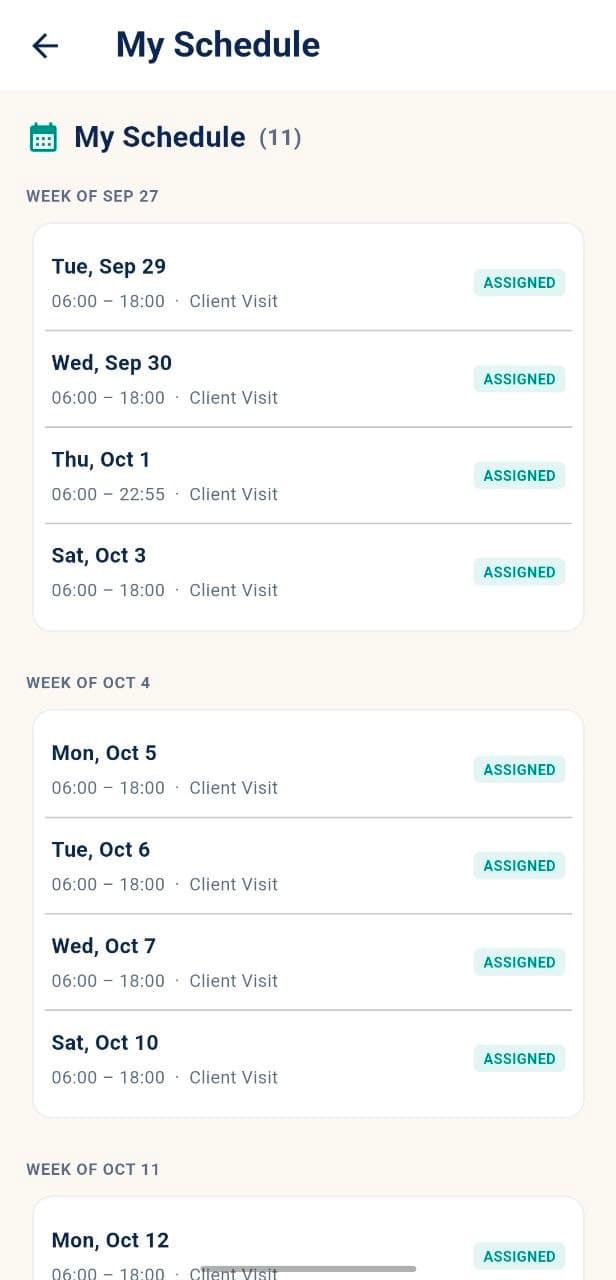
The dashboard, Next Shift and Schedule help caregivers see assigned work and upcoming visits.
ASSIGNED WORK
What do I need to know?
Visit time, location, client needs, preparation steps and care coordinator details remain close.
CLIENT CONTEXT
How do I stay ready?
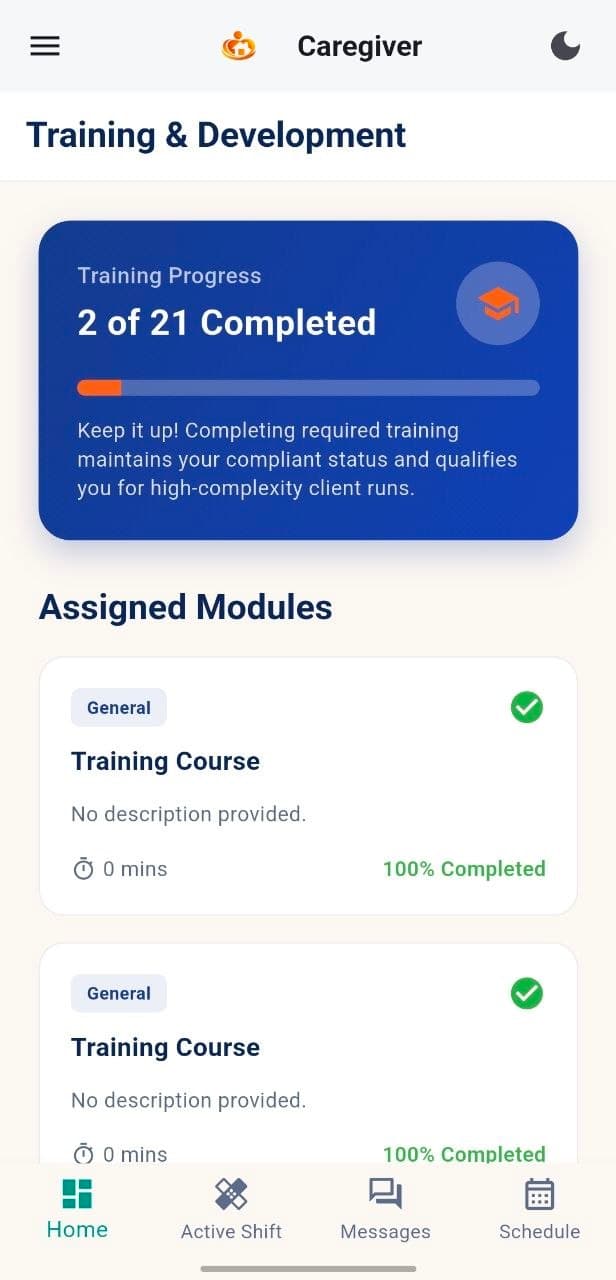
Profile, documents, orientation and training show the tasks that support caregiver readiness.
READINESS
Where can I get help?
Messages, notifications, resources and Support provide clear routes for information and assistance.
SUPPORT & COMMUNICATION
One app. Different stages of the workday.
From checking the dashboard to preparing for a shift and maintaining readiness, each stage is designed to feel connected and easy to follow.
01
Start with a clear dashboard
Sign in to a secure workspace that brings assigned work and account readiness into view.
02
Prepare for assigned work
Review the visit time, location, client needs and preparation checklist before the shift begins.
03
Keep your account ready
Follow orientation, training and document requirements that support ongoing caregiver readiness.
Built for approved caregivers. Guided by assigned work.
The Caregiver App is intended for authorized MyCG caregivers. Available clients, assignments and account tools are shaped by the caregiver's approved role and current work.
Receive approved access
A caregiver account is created and connected to the appropriate work information.
Sign in securely
The caregiver enters the app using their approved account credentials.
Stay prepared
Assignments, communication and readiness tools remain together in one workspace.
Your next shift starts with the right information.
Download the Caregiver App or return to the overview to explore its benefits, features, MyCG CareOS connection and frequently asked questions.