App Connection to MyCG CareOS
Connected to MyCG CareOS. Ready for every shift.
The right care information moves with the caregiver.
The MyCG Caregiver App is a secure mobile workspace connected to MyCG CareOS, bringing approved schedules, client details, care information, messages, documents, training and support into one organized experience.
Explore the connection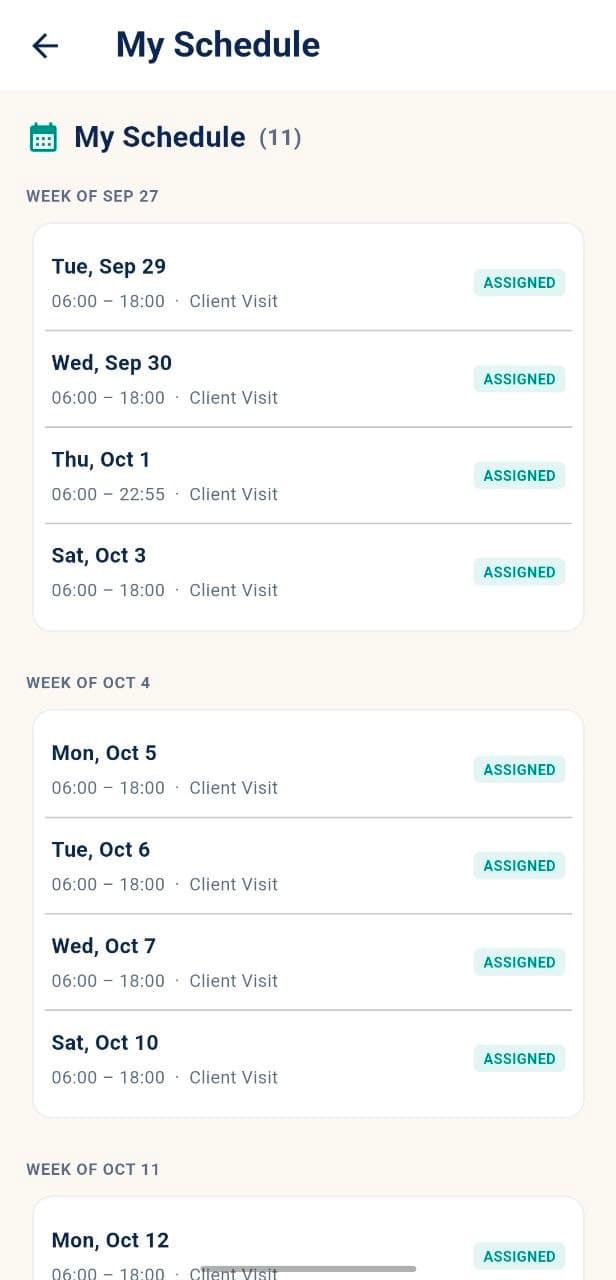
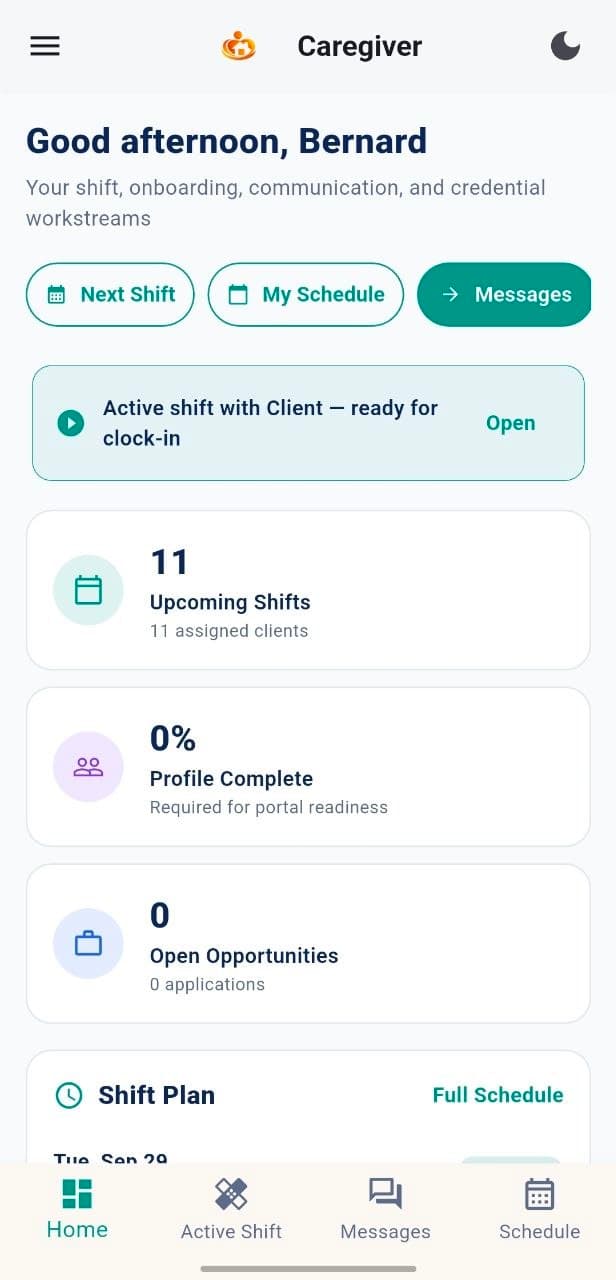
MyCG CareOS
Caregivers
24
Clients
18
Scheduled Shifts
32
Open Items
5
Recent Activity
Assignments synced
Updates connected
Support coordinated
One connected care workflow
From care coordination to the caregiver's hand.
MyCG CareOS organizes approved information. The Caregiver App puts the relevant view into daily action.
MyCG CareOS
Coordinates care, people and operations.
Secure connection
Approved information reaches the right caregiver.
Caregiver App
Turns coordinated information into a practical workday.
What flows from MyCG CareOS to the app
Approved information. Right where caregivers need it.
MyCG CareOS keeps everything organized. The Caregiver App shows the relevant information for each caregiver.
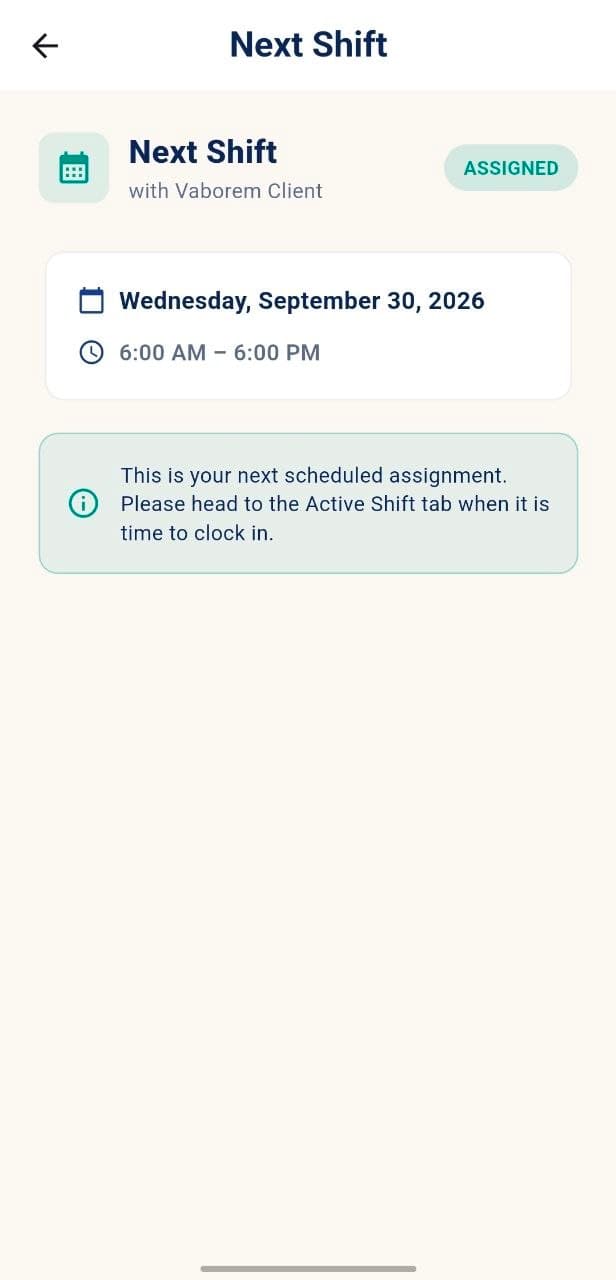
Assignments & schedules
Upcoming shifts and timing.
Client information
Relevant profiles and care details.
Care instructions
Plans, notes and shift guidance.
Messages & notifications
Connected team updates.
Documents & credentials
Important records in one place.
Training & resources
Readiness tools and learning.
What caregivers contribute back
Two-way connection. Stronger care coordination.
The connection also supports clearer coordination across the care team.
MyCG CareOS
Schedules
Clients
Care Information
Team Communication
Documents
Training & Support
Availability
Keep working preferences current.
Shift activity
Use connected tools throughout the workday.
Communication
Send messages in the right care context.
Support requests
Reach MyCG support from one workspace.
The connection in practice
One workspace. A more coordinated day.
From scheduled work to connected updates, MyCG CareOS and the Caregiver App work together.
MyCG CareOS
Dashboard
Caregivers
Clients
Schedules
Messages
Documents
Training
Reports
Schedules
Today
Week
Month
Search caregivers or clients…
8:00 AM – 12:00 PM
Maria R. · Alex T.
Confirmed
1:00 PM – 5:00 PM
James L. · Taylor M.
Confirmed
2:00 PM – 6:00 PM
Patricia S. · Jordan K.
Confirmed
4:00 PM – 8:00 PM
Robert D. · Casey B.
Confirmed
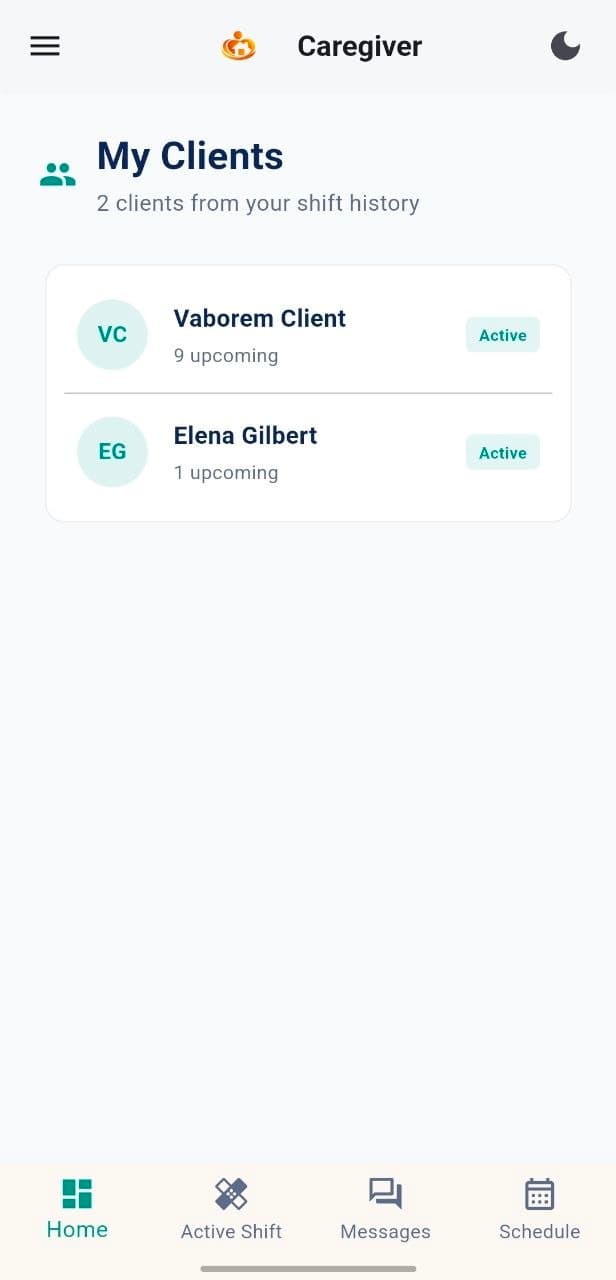
Before the shift
Review assignment and client information.
During the shift
Use messages, care guidance and active-shift tools.
After updates
Care coordination stays current across the MyCG ecosystem.
Connected with control
The right access. The right information. The right time.
Approved access
Caregivers see information based on their role and assignments.
Role-aware information
Relevant client, schedule and support details stay organized.
Protected communication
Connect with the care team in the right context.
Central care coordination
Care activity remains connected across the MyCG ecosystem.
Caregiver activity connects to the wider MyCG care ecosystem.
MyCG CareOS brings schedules, communication, documents and support into one coordinated flow.
Assigned work
Caregiver action
Care-team visibility
Follow-up
Connection questions
How the Caregiver App works with MyCG CareOS.
What is MyCG CareOS?
What information appears in the Caregiver App?
Do app updates stay connected to MyCG?
Who can see caregiver information?
What if a schedule or client detail changes?
How do I request help?
Stay connected to the work that matters.
Open the MyCG Caregiver App to review your next shift, messages and support options.