MyCG CareOS Help Center
Clear answers for connected care operations.
Find straightforward guidance about MyCG CareOS access, roles, workspaces, schedules, connected portals and support.
Guidance when
you need it
Start With the Essentials
The questions teams ask first.
The complete care operating system
MyCG CareOS — The Ultimate Care Operating System — connects the MyCG Management Module, MyCG Family Portal, and MyCG Caregiver Portal within one coordinated care environment.
Connected care for teams, families, and caregivers
Care management teams, families, and caregivers use the MyCG CareOS module designed for their role, responsibilities, or care relationship.
Separate connected mobile experiences
MyCG CareOS is a care operating system. The MyCG Family App and MyCG Caregiver App are separate connected products within the broader MyCG Ecosystem.
Information appropriate to each role
Each module presents information and actions appropriate to the user’s role, responsibilities, or care relationship.
Browse Answers by Topic
Browse answers by topic. 29 FAQs.
Start With the Essentials
MyCG CareOS consists of the MyCG Management Module, MyCG Family Portal, and MyCG Caregiver Portal. Each module supports a different audience while contributing to the same connected care relationship.
Care management teams, families, and caregivers use the MyCG CareOS module designed for their role, responsibilities, or care relationship.
No. MyCG CareOS is a care operating system. The MyCG Family App and MyCG Caregiver App are separate connected products within the broader MyCG Ecosystem.
No. Each module presents information and actions appropriate to the user’s role, responsibilities, or care relationship.
Getting Started
Contact MyCG for help accessing the module appropriate to your role or care relationship. Care management teams use the MyCG Management Module, while families and caregivers use their respective portal modules.
MyCG coordinates account setup based on the user’s role, responsibilities, or care relationship. Contact MyCG for assistance getting started with the appropriate module.
Care management teams can access the MyCG Management Module through a supported browser on a desktop or laptop. Families and caregivers can access their respective portal modules through a supported browser. The MyCG Family App and MyCG Caregiver App provide separate connected mobile experiences.
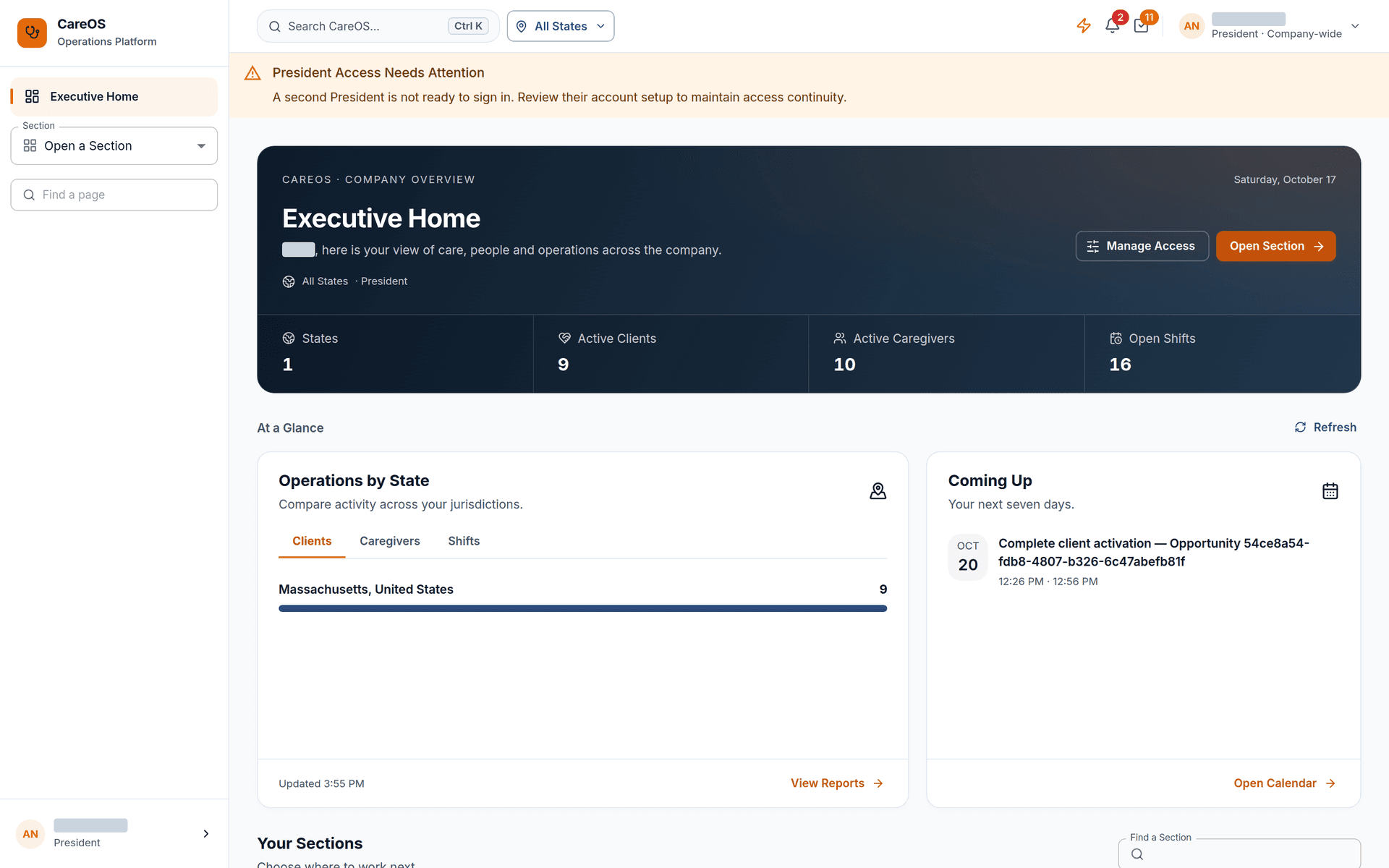
The MyCG Management Module is designed for care management teams responsible for care planning, caregiver scheduling, supervision, communication, workforce coordination, quality follow-up, and related care operations.
Access and Responsibilities
Yes. Different responsibilities may require access to different workspaces, records, and actions within the MyCG Management Module.
Contact your MyCG administrator or the MyCG support team so your account and module access can be reviewed.
No. Each user should use their own account so information, actions, and communication remain associated with the correct person.
The workspaces and actions available to the team member can be reviewed according to their new responsibilities. Contact your MyCG administrator if the available access appears incorrect.
Care Work, Scheduling, and Workforce
Scheduling tools help care management teams coordinate clients, caregivers, visits, assignments, coverage needs, visit tasks, and follow-up within the MyCG Management Module.
Yes. Care management team members can review and maintain care-plan information through the MyCG Management Module according to their responsibilities.
Within the MyCG Management Module, communication, meeting, and calendar tools are available to care management team members according to their roles and responsibilities.
The MyCG Management Module supports workforce readiness through learning, training, credential, and document workspaces available to relevant care management team members.
Access follows responsibility.
Each MyCG CareOS module provides the tools and information that support the person’s role in care.
Care management teams
Care management teams plan, coordinate, and oversee care through the MyCG Management Module.
Role-appropriate workspaces
Users see modules and records relevant to their role.
Individual sign-in
Each person uses an individual account for their care management workspace or portal.
Support when access changes
Contact MyCG for help with access questions.
One Ecosystem. Different Questions.
Which workspace should I use?
MyCG Management Module
Care planning, caregiver scheduling, supervision, real-time communication, and oversight for care management teams.
MyCG Caregiver Portal
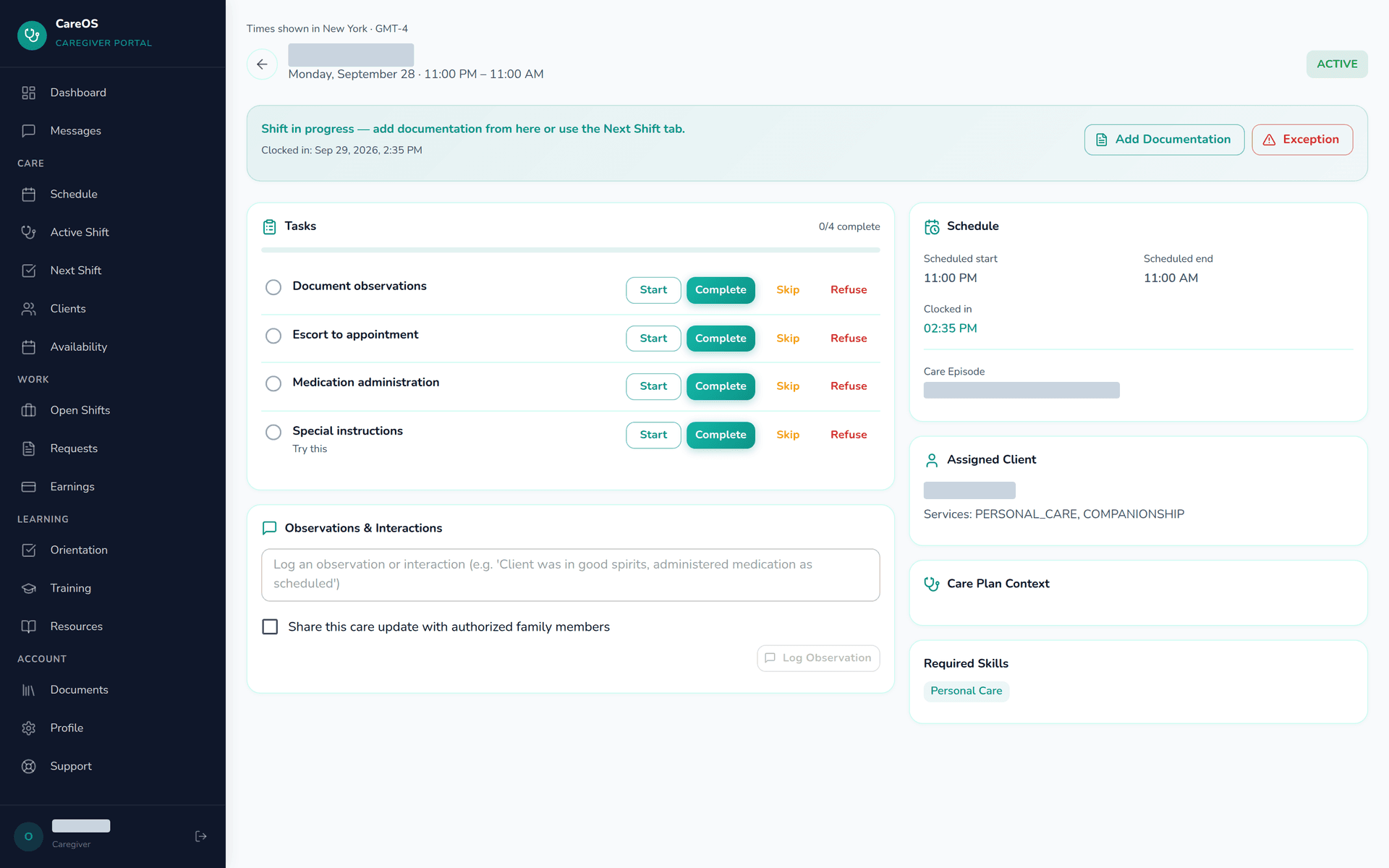
For caregivers reviewing assigned work, schedules and readiness.
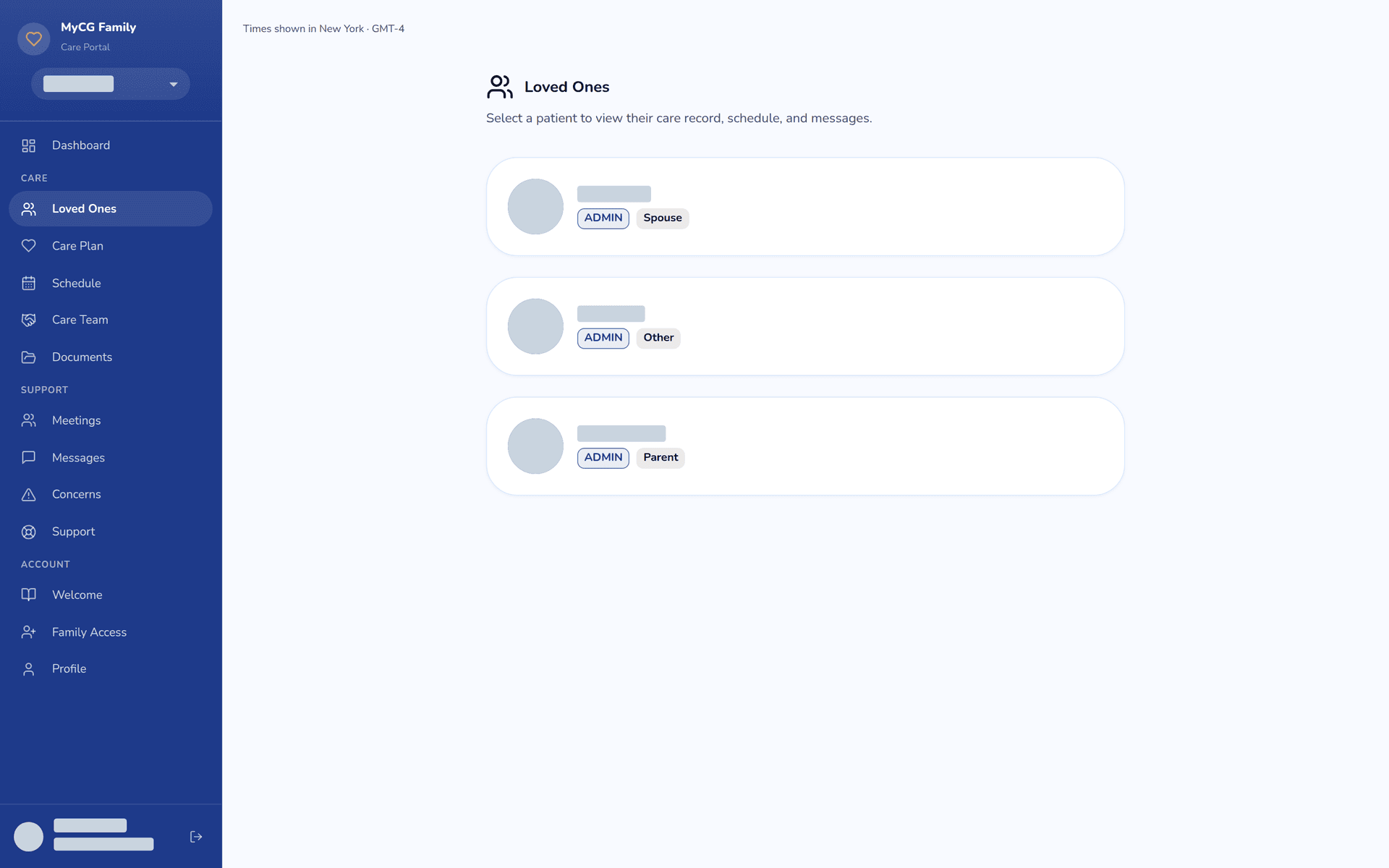
MyCG Family Portal
Built for families to participate in caring for their loved ones.
These workspaces are connected, but each serves a different audience and purpose.
More Common Questions
More answers, without the complexity.
Modules and the MyCG Ecosystem
The three modules support the same connected care relationship from different perspectives. The MyCG Management Module supports care management teams, the MyCG Family Portal supports families, and the MyCG Caregiver Portal supports caregivers.
The MyCG Caregiver Portal is one of the three MyCG CareOS modules. It helps caregivers review assignments, prepare for visits, document care, and stay connected with the care team.
No. MyCG CareOS is the complete care operating system. The MyCG Family Portal is one of its three modules and is built for families to participate in caring for their loved ones.
The MyCG Family App is a mobile experience for families. The MyCG Family Portal is a browser-based module within MyCG CareOS. Both support families, but they are separate connected products.
The MyCG Caregiver App is a mobile experience for caregivers. The MyCG Caregiver Portal is a browser-based module within MyCG CareOS. Both support caregivers, but they are separate connected products.
Families, Information, and Support
Contact the responsible MyCG team and identify the record, information, or workspace that needs to be reviewed.
Contact your MyCG administrator or the MyCG support team for help with account access, module guidance, incorrect information, or other MyCG CareOS questions.
Need More Help?
Still have a MyCG CareOS question?
Contact your MyCG administrator for help with account access, workspace guidance or account questions.
Get Started
The right information should always be within reach.
Explore MyCG CareOS with confidence and know where to turn when you need guidance.