MyCG Caregiver App Features
Every shift. Every tool. One connected workspace.
Explore the features that help caregivers prepare, communicate and grow.
From the next assignment and weekly schedule to clients, credentials, training and support, the MyCG Caregiver App keeps essential work information organized in one secure place.
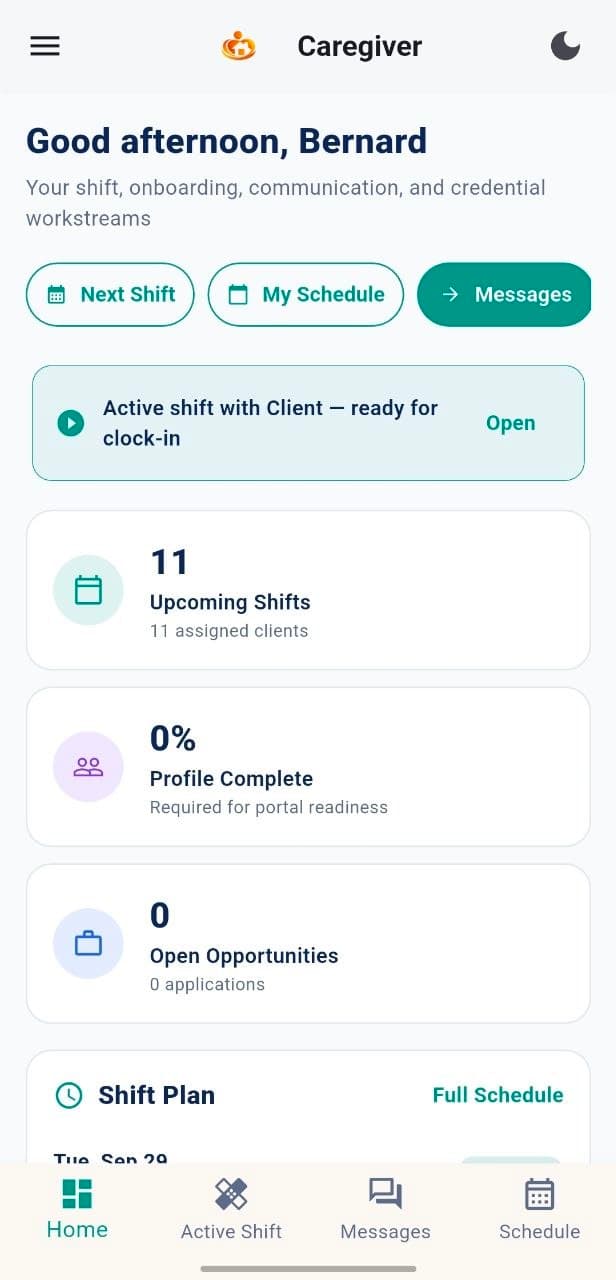
Next shift ready
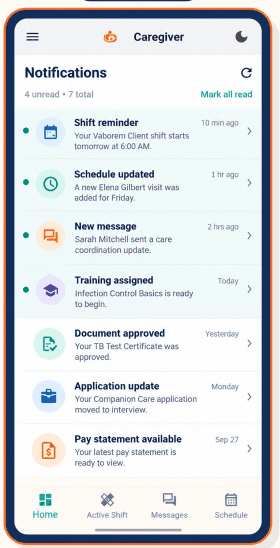
Work updates in one place
Explore the features
Built around the complete caregiver workday.
Choose a feature to understand what caregivers can review, update and complete.
Dashboard & Next Shift
Review assignment status, readiness and the next visit.
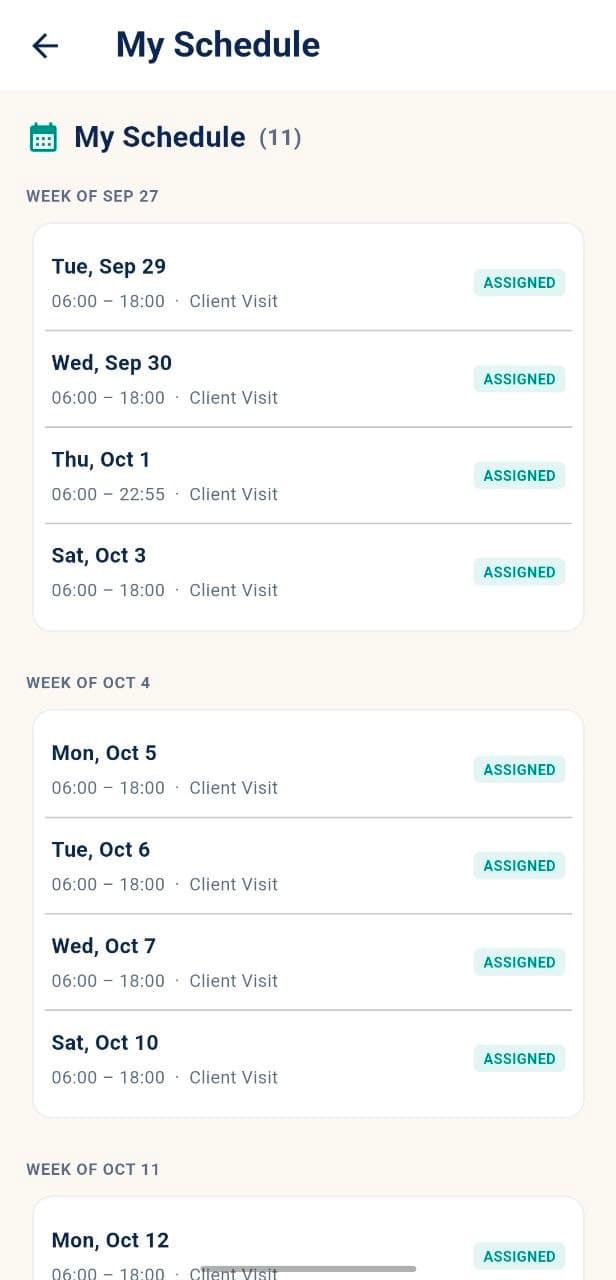
My Schedule
See assigned shifts grouped clearly by calendar week.
My Clients
Review client summaries, status and upcoming shifts.
Applications & Open Shifts
Track applications and available work opportunities.
Messages
Keep work conversations in one organized inbox.
Notifications
Receive shift, schedule, training, document and pay updates.
Availability & Leave
Set days, shift windows, preferred hours and time off.
Documents & Credentials
Review files and upload caregiver credentials.
Pay Summary
View rate, pay schedule, deposit and benefit references.
Training & Orientation
Track courses, onboarding and compliance steps.
Resources
Access guides, policies, checklists and care tips.
Profile & Support
Maintain account readiness and request non-urgent help.
Shift preparation
Know what is next before the shift begins.
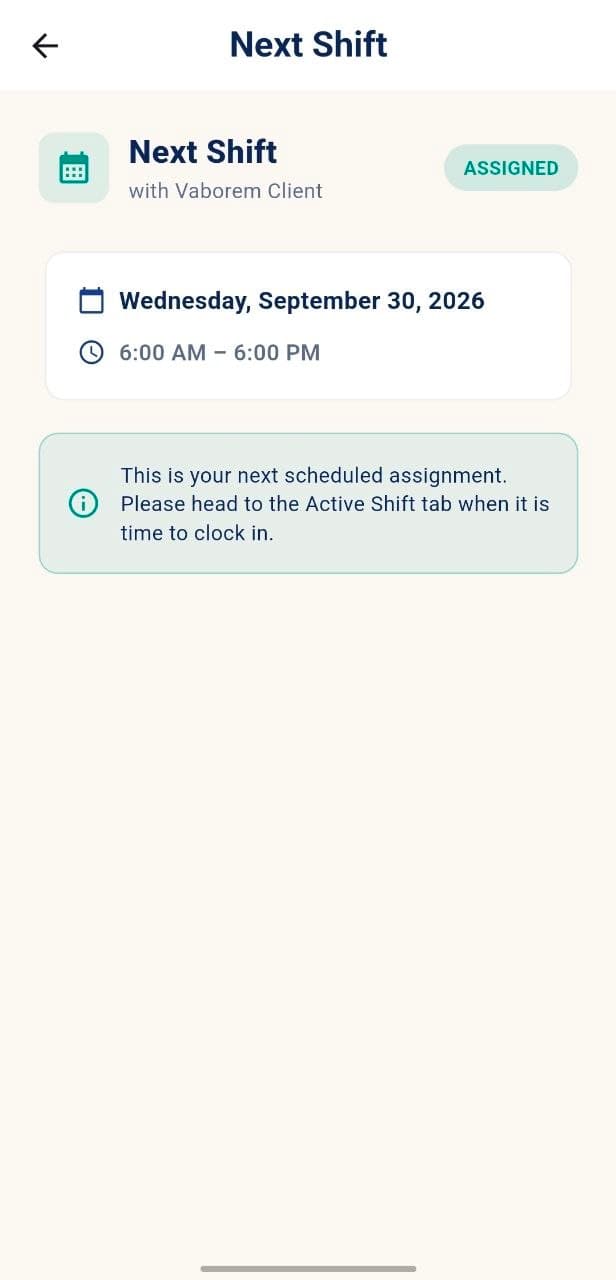
Elena's dashboard brings the nearest assignment, client details and readiness tools together so caregivers can prepare with confidence.
Assignment date and time
Visit location and client needs
Preparation checklist
Care coordinator details
One-tap access to start active shift
Client work & communication
The right people and updates stay within reach.
Manage client information, track applications and keep conversations and notifications organized in one place.
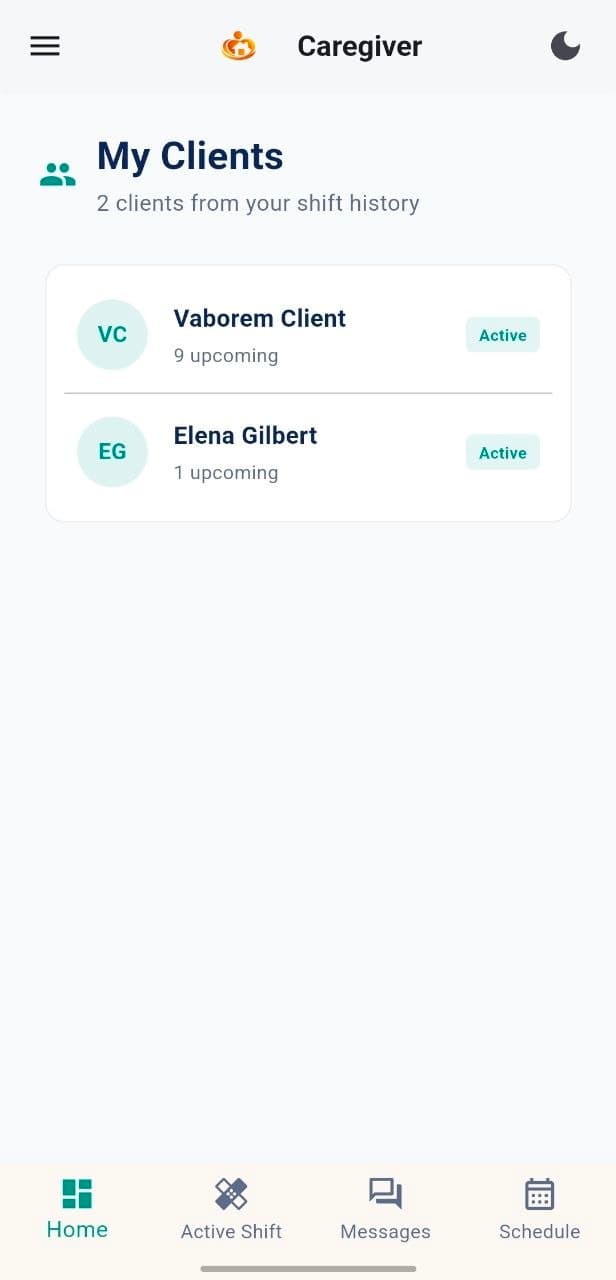
My Clients
View active client summaries and upcoming shifts.
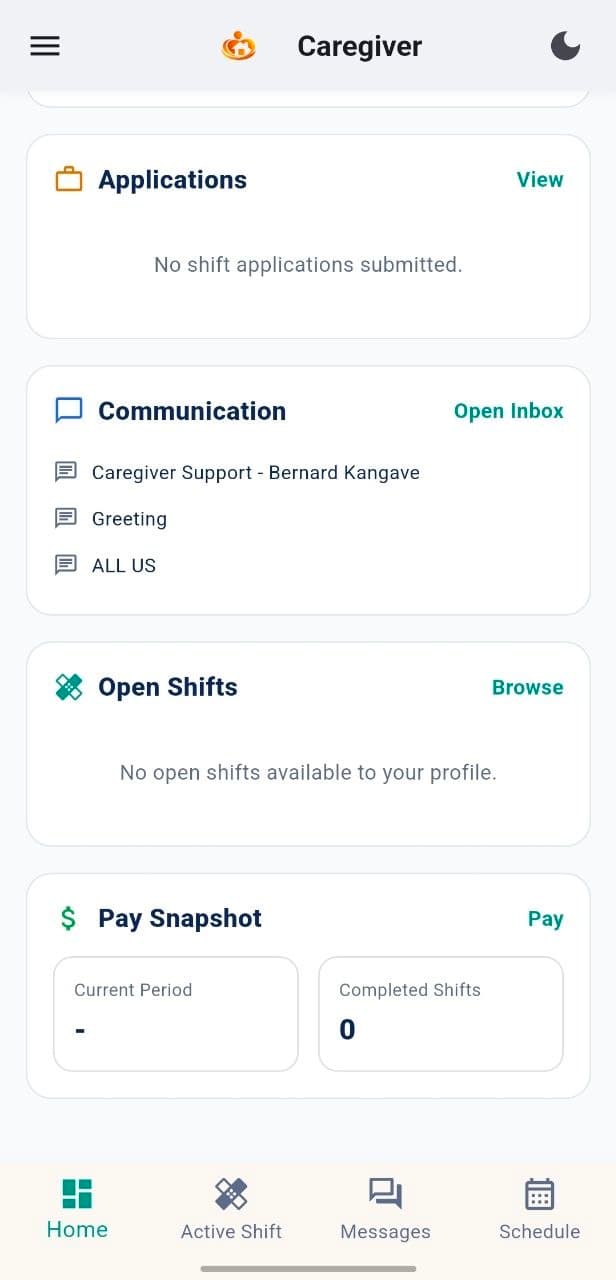
Applications & Open Shifts
Track application status and available opportunities.
Messages
Sarah Mitchell
Care Coordinator
Shift reminder
Automated
Document ready
Automated
Messages
Keep filtered conversations with the care team.
Notifications
See unread reminders and recent updates.
Work preferences & records
Keep availability, credentials and pay references current.
Update availability, upload required documents and review current pay references from the same caregiver account.
Set available days and shift windows
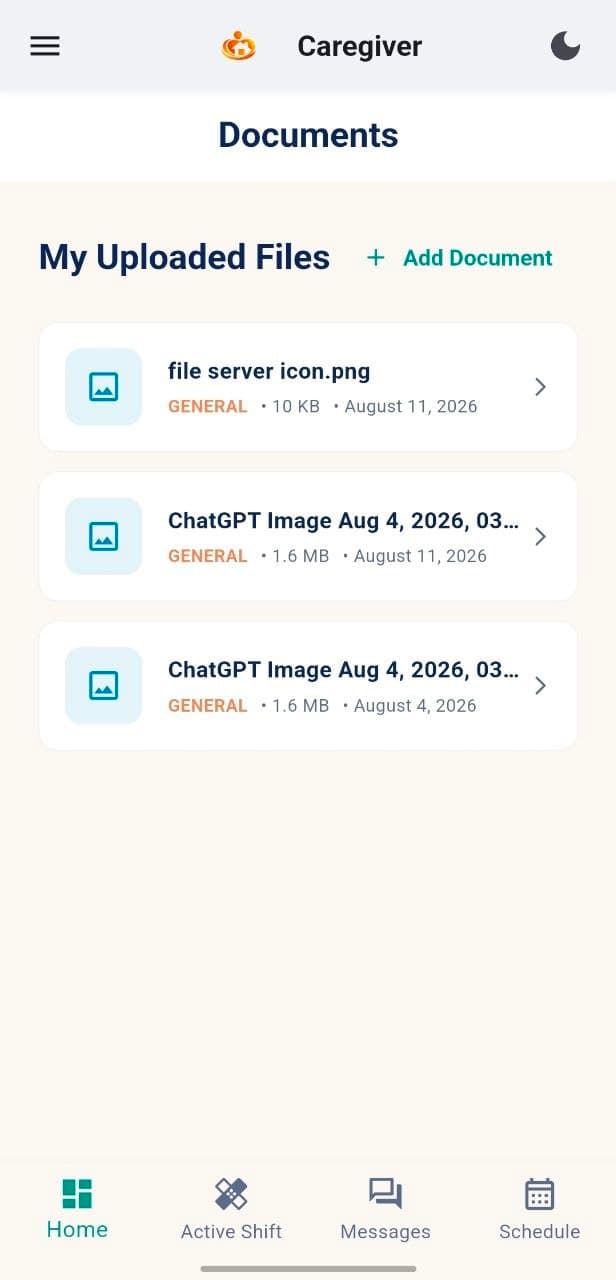
Upload credentials in PDF, PNG or JPG
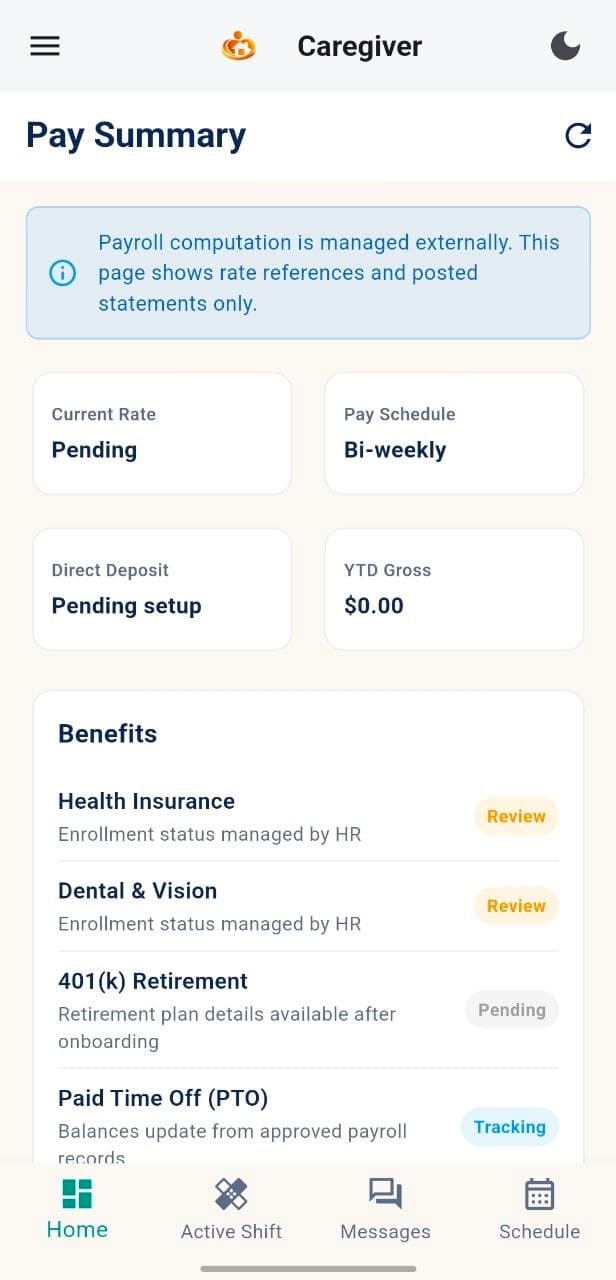
Review pay schedule and deposit details
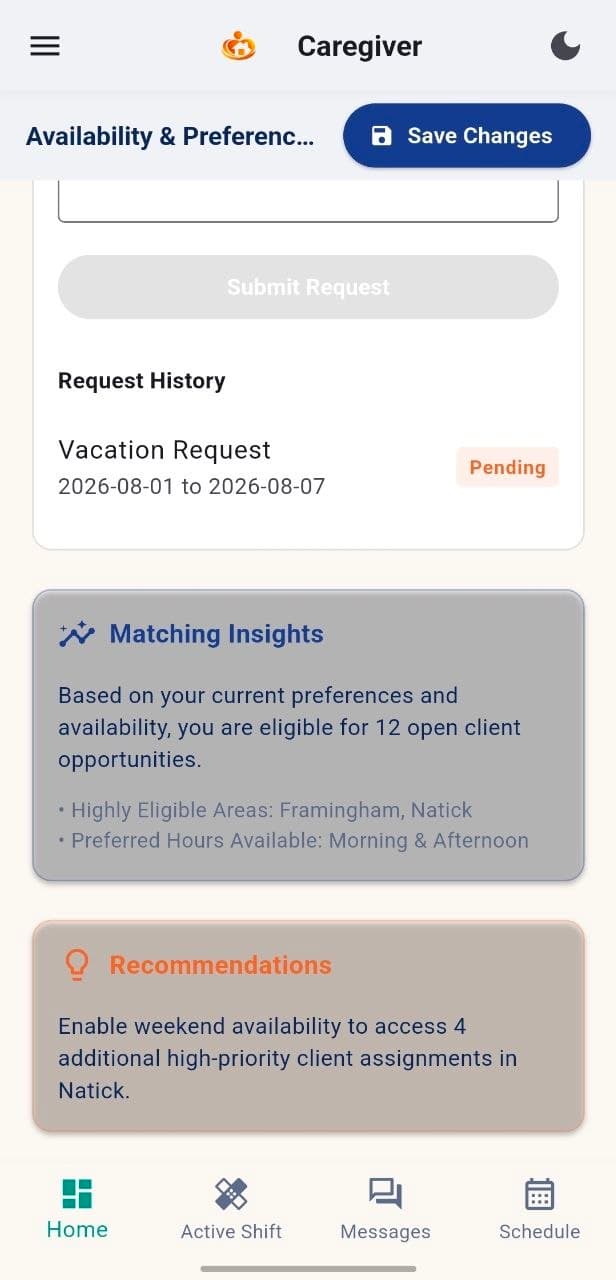
4 available days
PDF / PNG / JPG up to 10 MB
Bi-weekly schedule
Learning & readiness
Build confidence beyond the schedule.
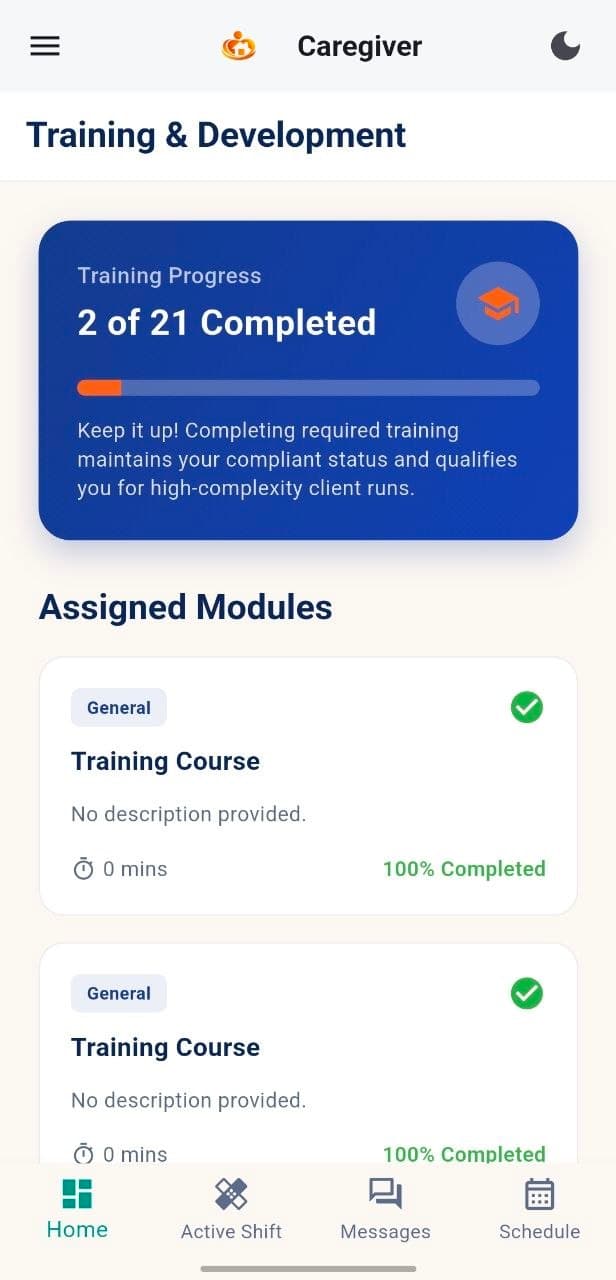
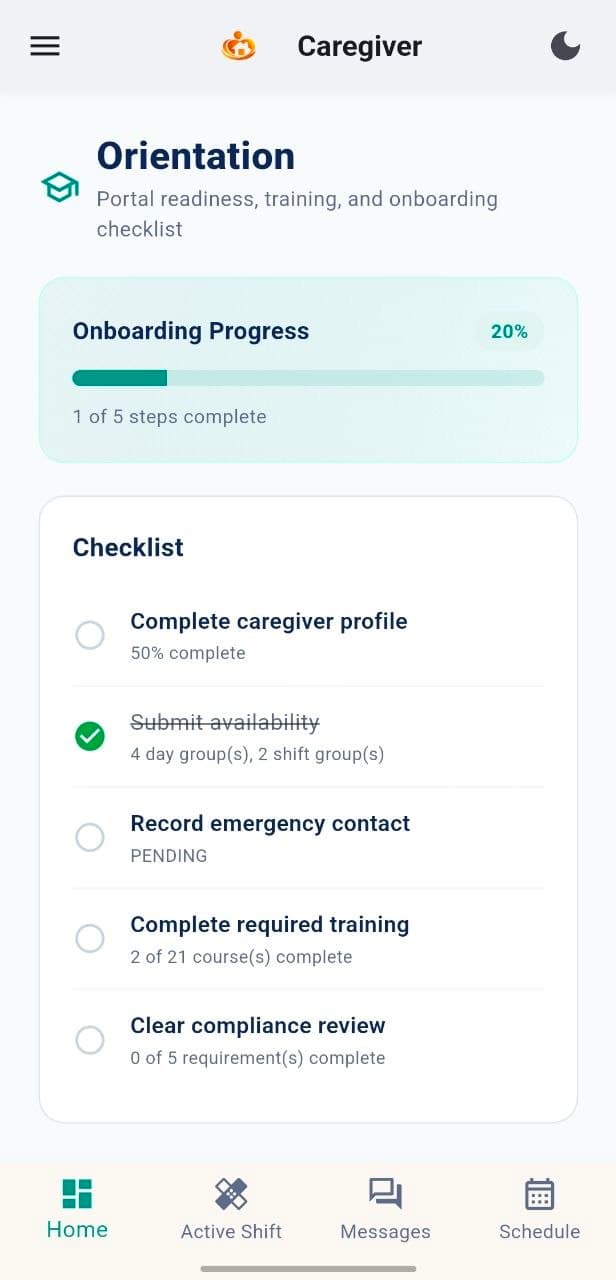
Track training, complete onboarding steps and access practical resources that support high-quality care.
Training progress
2 of 21 courses completed
Onboarding checklist
20% complete
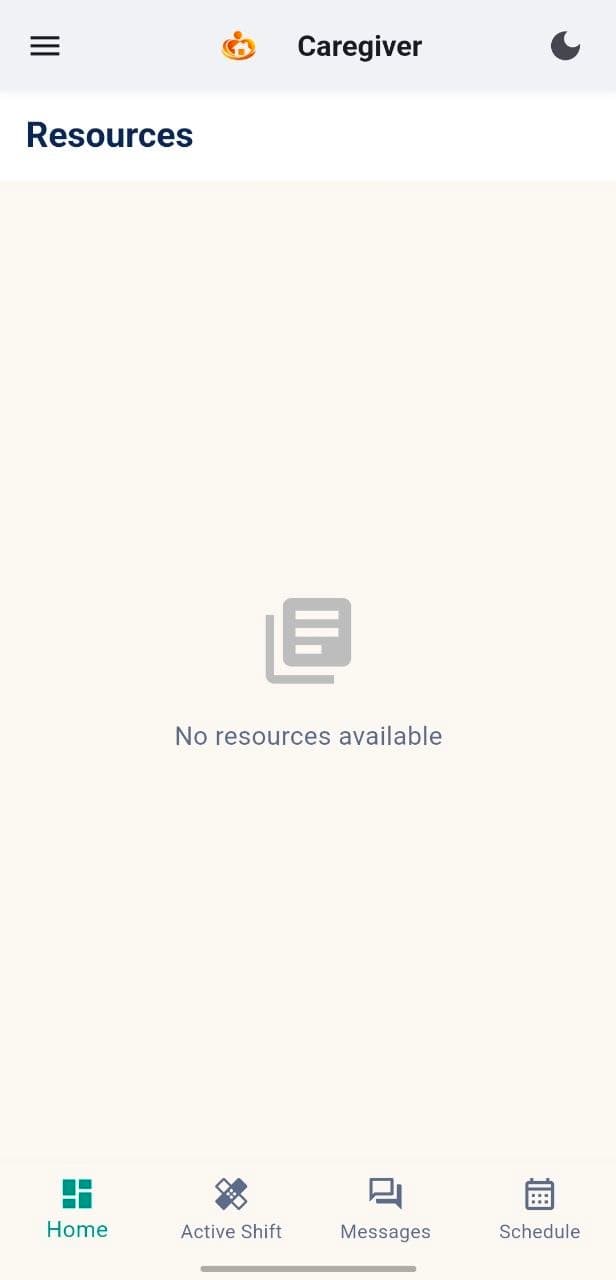
Guides and policies
Downloadable resources
Account & assistance
Stay prepared, supported and in control.
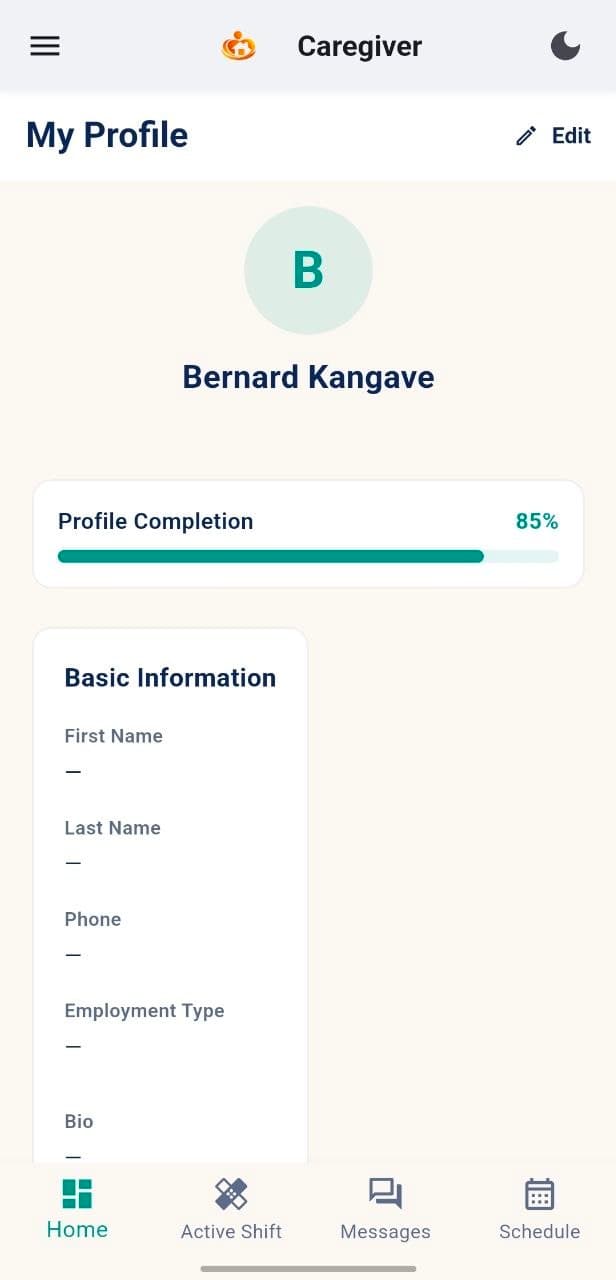
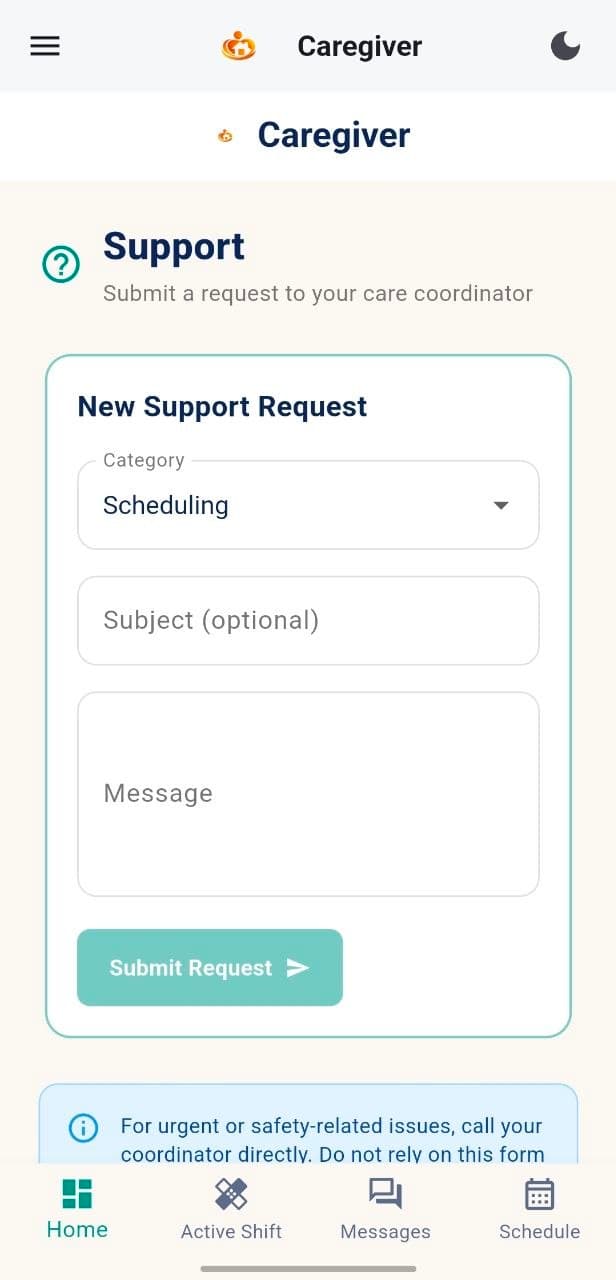
Maintain Elena's profile information and request non-urgent support from the care coordinator when needed.
Keep profile and contact details up to date
Submit non-urgent support requests
Contact the care coordinator directly for urgent or safety issues
The form is for non-urgent requests such as scheduling, documents or general questions.
For urgent or safety issues, contact the care coordinator directly by phone or through the active assignment.
Caregiver activity connects to the wider MyCG care ecosystem.
Assignments, schedules, communication, documents and readiness updates flow into MyCG CareOS, giving care coordinators, clients and families the information they need in one connected experience.
MyCG Caregiver App
Take your caregiver tools wherever the day leads.
Download the MyCG Caregiver App on your device and stay prepared, informed and supported.