
Caregiver Getting Started Guide
From approved to ready.
Your first shift starts with a clear setup.
Follow the essential steps to download the MyCG Caregiver App, sign in with your approved account, complete your setup and prepare for work.
Approved access
Next shift ready
Before you begin
Make sure you have what you need.
Approved caregiver account
Access is provided after MyCG caregiver approval.
Your registered details
Use the email or phone connected to your caregiver profile.
Compatible device
Use a supported Android or iPhone with an internet connection.
Downloading the app does not automatically create caregiver access.
Six simple steps
Set up your caregiver workspace.
Download MyCaregiver
Install from Google Play or the App Store.
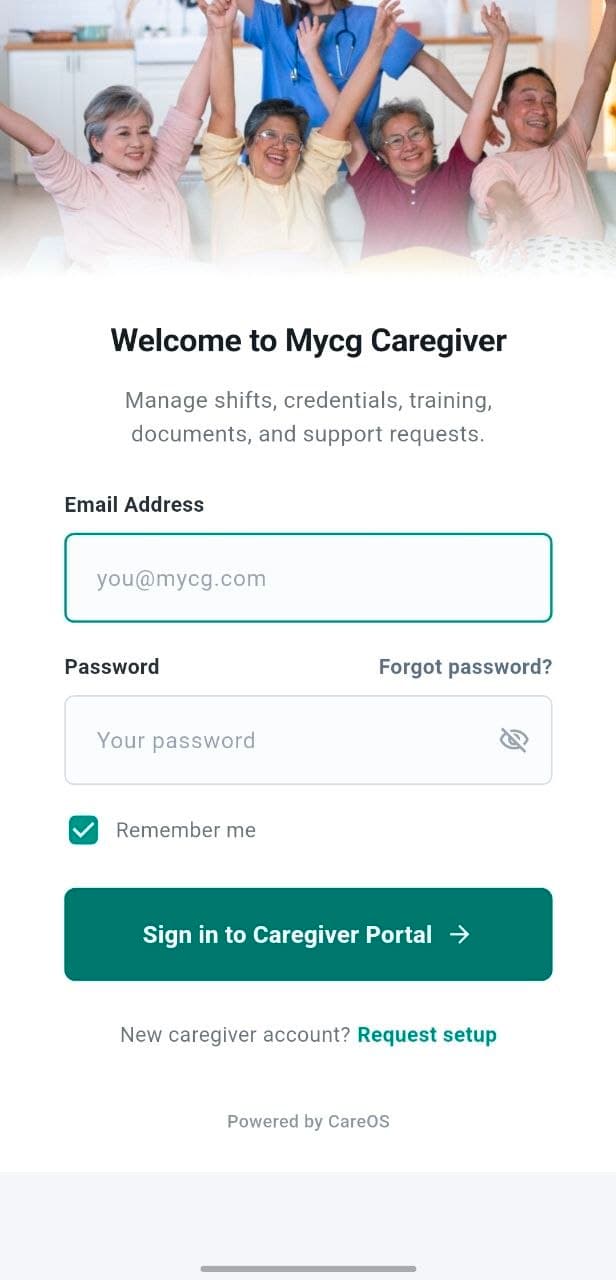
Sign in securely
Use your approved caregiver account.
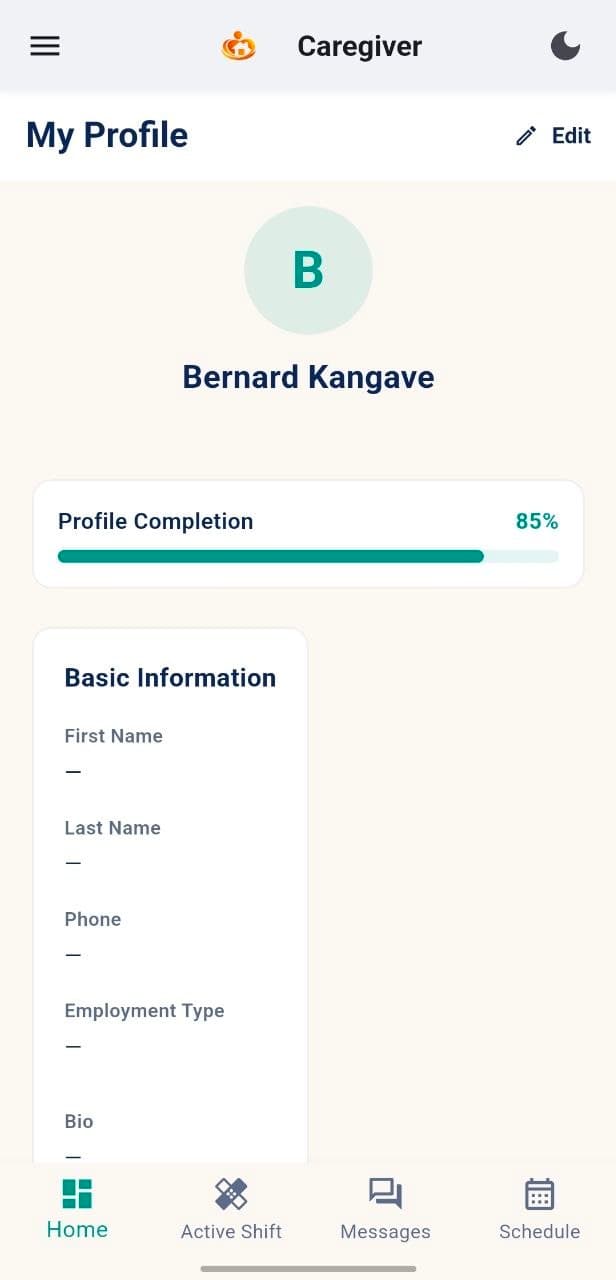
Complete your profile
Review personal and contact information.
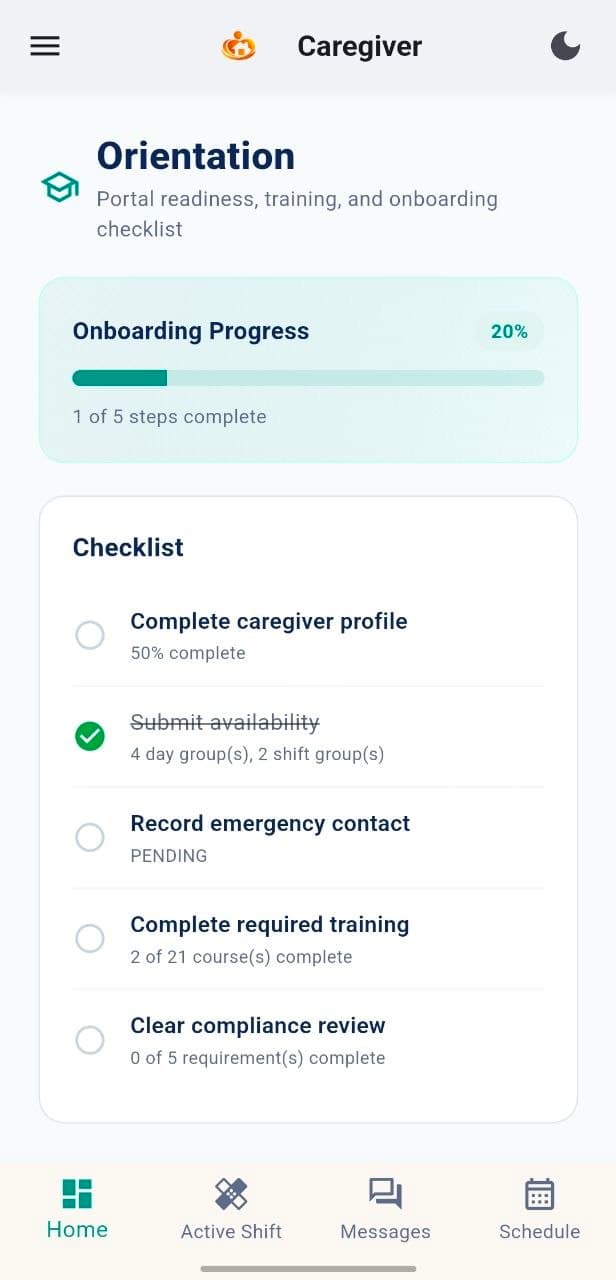
Finish orientation
Complete onboarding and assigned readiness tasks.
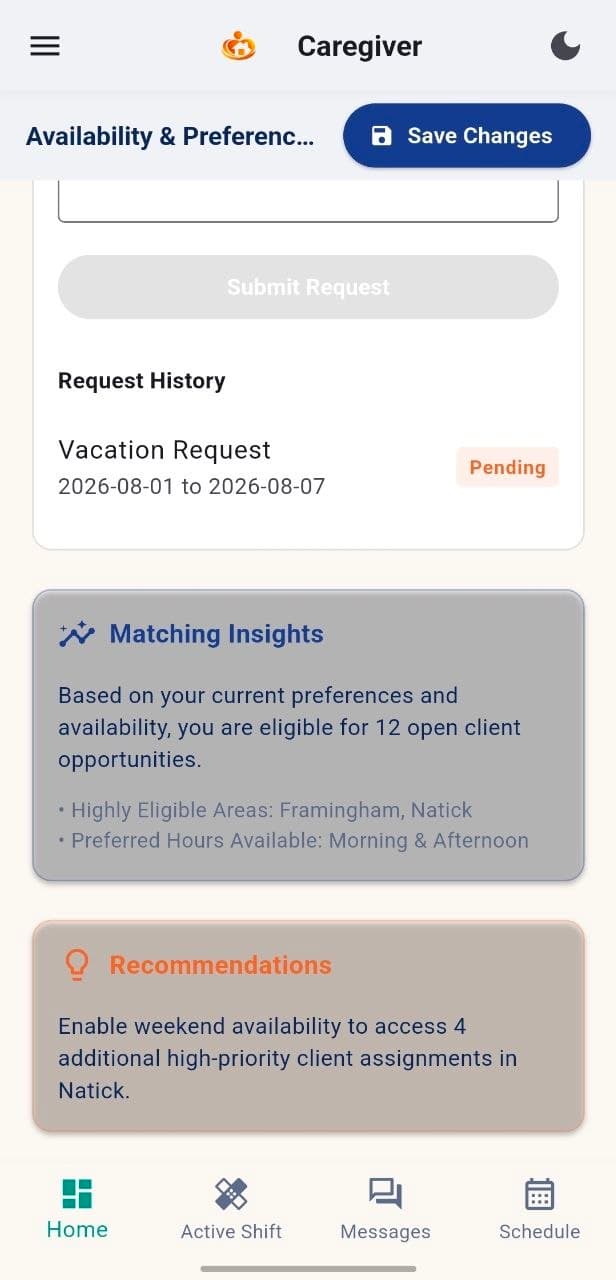
Add availability
Set available days and preferred shift windows.
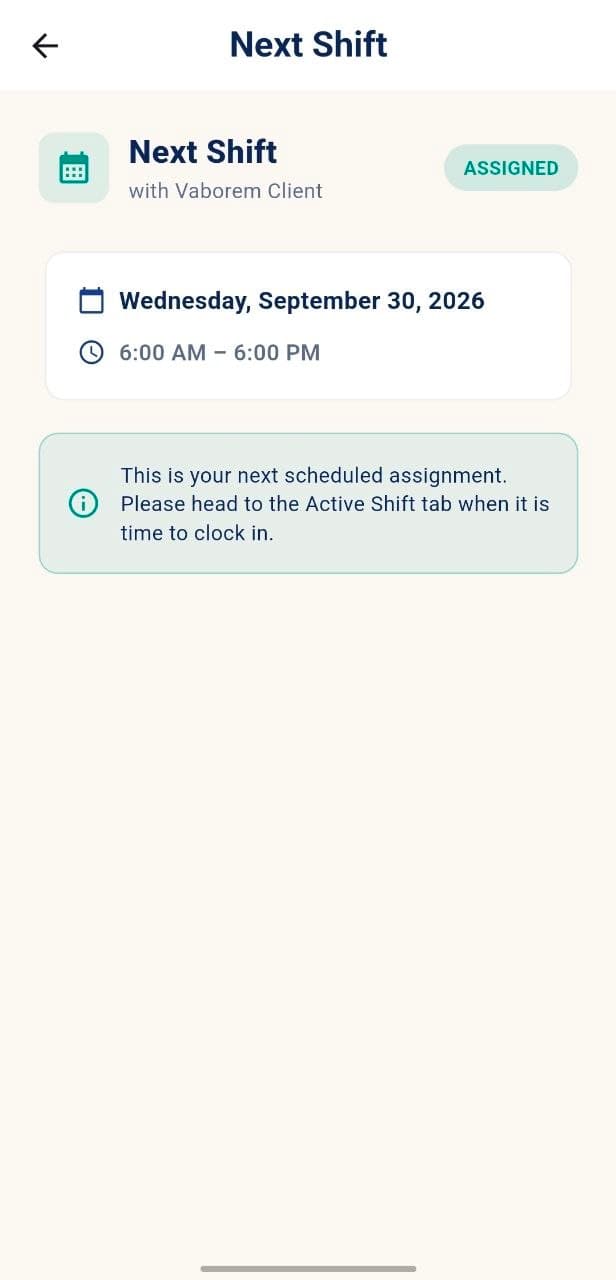
Review your next shift
Check assignment details before your workday.
Setup checklist
Know when your account is ready.
Profile information reviewed
Requested documents provided
Orientation tasks completed
Availability added
Dashboard and Next Shift available
Requirements may vary by caregiver role, assignment and MyCG requirements.
Your first shift
Review the right information before work begins.
Assignment
Date, time and location.
Client information
Relevant details for approved work.
Preparation
Care guidance and checklist.
Communication
Care coordinator and messages.
Your caregiver setup connects to the wider MyCG care ecosystem.
MyCG CareOS helps coordinate approved account information, assignments, readiness and support.
Approved account
Profile readiness
Assigned work
MyCG CareOS connection
Need help?
MyCG Support can guide you.
Use Support for non-urgent sign-in, profile, document, training or app questions.
Open SupportFor urgent or safety concerns, contact your care coordinator directly or follow the appropriate emergency process.
Frequently asked questions
Who can use the MyCG Caregiver App?
What should I do if I cannot sign in?
How do I know my setup is complete?
Where can I review my next shift?